
How Fake Payment Applications Simulate Transactions?
The proliferation of counterfeit financial utilities, commonly referred to as “Fake PhonePe App” or modded receipt generators, represents a severe security challenge within digital commerce ecosystems. These applications are engineered by malicious actors specifically to replicate the visual interface of legitimate payment gateways without interfacing with actual banking rails.
Understanding how these fraudulent tools function from a structural perspective helps developers, merchants, and cybersecurity analysts identify vulnerabilities and implement robust anti-fraud measures.
The Structural Architecture of Counterfeit Applications
Legitimate financial applications rely on secure, encrypted client-server architectures. When a user initiates a transfer, the mobile client communicates with bank servers, verifies account balances, processes cryptographic tokens, and updates the ledger through the National Payments Corporation of India (NPCI) infrastructure.
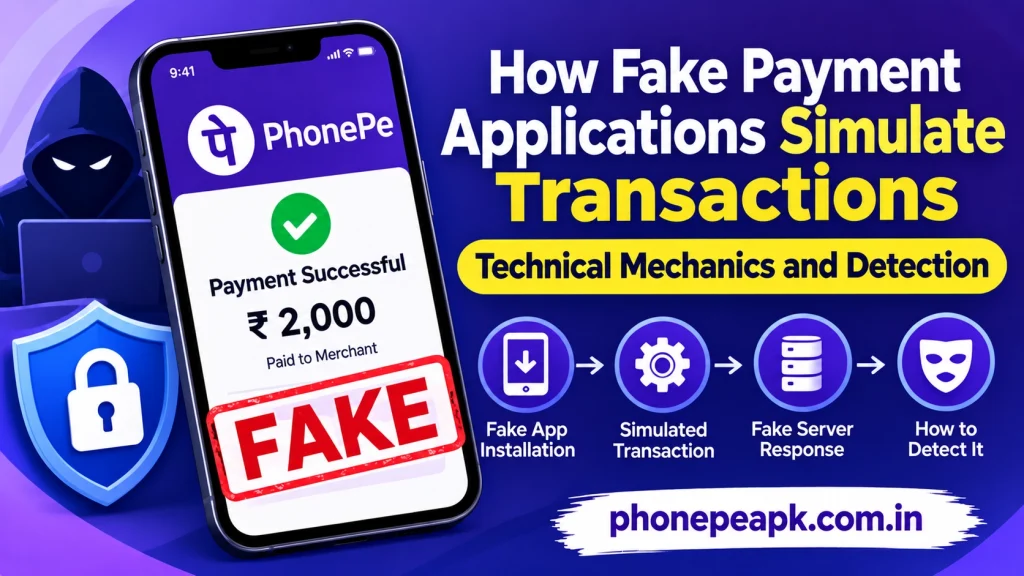
In contrast, counterfeit applications operate on isolated, manipulated local environments:
- Hardcoded Local Interfaces: The user interface is typically built using decompiled source code of legitimate applications, skinned with matching cascading style sheets and vector assets to mimic official branding.
- Offline Mocking Scripts: Rather than executing an API request to a banking server, user inputs (such as recipient names, VPA handles, and arbitrary numerical amounts) are passed directly into local string variables.
- Client-Side Rendering: The application uses local rendering engines to display success animations, checkmarks, and transaction success banners immediately upon user input, bypassing network latency and authentication checks entirely.
Step-by-Step Breakdown of Simulated Transaction Creation
When bad actors utilize Fake Payment during retail interactions, the operational sequence follows a strict script designed to exploit human trust:
- Entering Custom Parameters: The operator opens the modified APK on a mobile device and accesses an administrative or input form where they can freely type any desired monetary figure, fictitious transaction reference ID, and target merchant name.
- Triggering Local State Changes: Upon submitting the input form, the application triggers a locally stored function that simulates a processing delay, mimicking the brief handshake of a real server request.
- Displaying the Fabricated Receipt: The application switches its view state to render a high-fidelity success screen complete with timestamps, mock reference numbers, and animated graphics.
- Presenting Proof to Victims: The device is handed or flashed to a cashier or seller as definitive proof of payment, capitalizing on visual familiarity to bypass manual balance verification.
Comparative Analysis of Real vs. Fake Payment Execution
To understand why local simulations cannot replicate authentic ledger updates, review the following technical comparison:
| Operational Stage | Genuine UPI Application | Counterfeit Payment Simulator |
| Data Transmission | Encrypted TLS connection to banking servers | Zero network activity; local execution only |
| Ledger Verification | Real-time debit and credit across bank accounts | Fictitious values printed to local device memory |
| Reference Generation | Cryptographically secure, unique NPCI transaction ID | Randomly typed or sequentially generated dummy strings |
| Hardware Triggering | Activates secure push notifications and sound boxes | Incapable of sending server-side webhook alerts |
Conclusion
Fake Payment applications rely entirely on client-side deception, local data mocking, and visual simulation to trick unsuspecting merchants. Because these tools possess zero connectivity to actual banking infrastructure or payment gateways, protecting retail environments requires abandoning reliance on visual smartphone screens and enforcing strict real-time dashboard verification.