
How Can Vendors Spot a Fake Payment Screenshot?
As digital wallets and Unified Payments Interface (UPI) systems become the primary mode of payment for small businesses and retail vendors, counterfeit payment apps and screenshot generators have become a major threat. Scammers often attempt to walk away with goods by showing a fake “Payment Successful” screenshot or a simulated transaction animation on their smartphone screen.
Because these counterfeit apps operate entirely offline without transferring actual money, vendors must know how to identify visual inconsistencies and enforce verification protocols to prevent financial losses.
Visual Clues and Anomalies in Fake Payment Screenshots
While counterfeit screenshot generators attempt to replicate the user interface of popular payment apps, they frequently contain subtle graphical errors, formatting mistakes, and alignment flaws upon closer inspection:
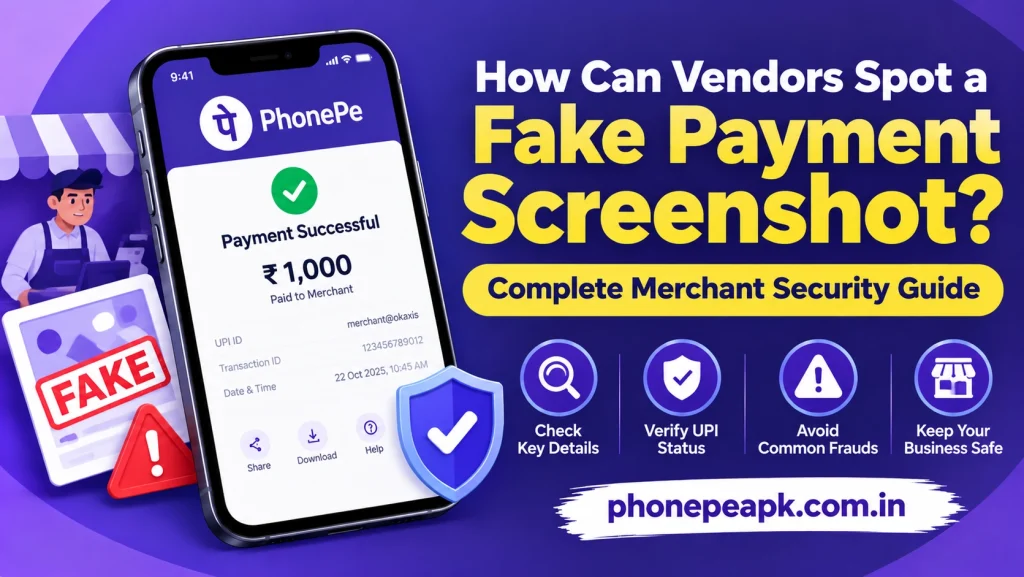
- Font and Typography Inconsistencies: Fake apps often use non-standard fonts that differ from the official app typography. Numbers, currency symbols, and recipient names may appear slightly blurry, misaligned, or oversized.
- Incorrect Date and Time Stamps: The timestamp on a fake screenshot may not match the actual time of the transaction. Additionally, the time displayed in the phone’s top status bar often conflicts with the transaction time shown on the receipt screen.
- Low-Resolution Logos and Graphics: Counterfeit software frequently uses low-quality icons, distorted checkmark animations, or outdated branding logos that look pixelated compared to the crisp vector graphics of legitimate applications.
- Unusual Color Palettes: The background gradients and primary brand colors on fake payment screens often appear slightly washed out, overly saturated, or incorrectly shaded when compared side-by-side with genuine receipt screens.
- Static or Unrealistic Animations: Authentic success screens feature fluid, high-frame-rate animations (such as animated checkmarks or moving background elements). Fake Payment often display stiff, jittery, or static graphics that lack natural motion.
Technical and Operational Verification Methods
Relying solely on a customer’s phone screen is the primary point of failure for retail vendors. Implementing technical verification steps ensures every payment is confirmed through official channels:
- Verify Real-Time Bank SMS and App Notifications: Never trust the customer’s device. Always check your own phone or merchant dashboard to ensure that a push notification or bank SMS alert confirming the deposit has arrived.
- Deploy Automated Sound Boxes: Utilizing dedicated audio hardware—such as merchant sound speakers provided by payment platforms—provides immediate, hands-free voice confirmation for every incoming transfer.
- Cross-Reference Unique Transaction IDs: Authentic payments generate a unique UPI Reference ID or Bank Reference Number. Check your merchant transaction history to verify that the reference number on your dashboard matches the one claimed by the buyer.
- Watch Out for Social Engineering and Urgency: Scammers frequently attempt to hurry vendors during busy hours, pretend their phone battery is dying, or make excuses about poor network coverage to prevent you from checking your account balance.
Security Protocol Summary for Retail Vendors
To help train store staff and cashiers on handling digital payment verifications, review the following operational security guidelines:
| Verification Parameter | Authentic Digital Payment | Fake Payment Screenshot / App |
| Merchant Balance Update | Credits instantly in official merchant app | No balance change or credit reflected |
| Audio Confirmation | Triggers official merchant sound box alert | Zero audio response from merchant hardware |
| SMS/Push Notification | Instant alert sent to vendor’s registered device | No notification received by vendor |
| Screen Typography | Crisp, standardized fonts and exact timestamps | Misaligned text, font mismatch, or time errors |
Conclusion
Spotting a fake payment screenshot requires looking beyond the customer’s phone screen and paying attention to subtle UI inconsistencies like misaligned text, incorrect timestamps, and distorted logos. The most effective defense for any vendor is to ignore the buyer’s screen entirely and rely exclusively on official sound box announcements, real-time push notifications, and verified account dashboard updates before completing a sale.