
How Do I Unlock My Fake Payment UPI?
The phrase “unlock my fake payment UPI” typically arises when individuals or merchants who have interacted with counterfeit payment software—such as unauthorized modded APKs or fake transaction generators—find their bank accounts frozen, UPI handles blocked, or digital transactions restricted by financial institutions.
Because counterfeit payment applications operate outside legitimate banking infrastructure, understanding why these blocks occur, what security risks are involved, and how to properly address account restrictions is essential.
Why Fake Payment UPI Handles and Accounts Get Blocked
Official banking systems, payment aggregators, and cybercrime cells actively monitor suspicious transaction patterns, unauthorized application signatures, and fraudulent activity. If a UPI handle or bank account becomes associated with fake payment software, several security triggers occur:
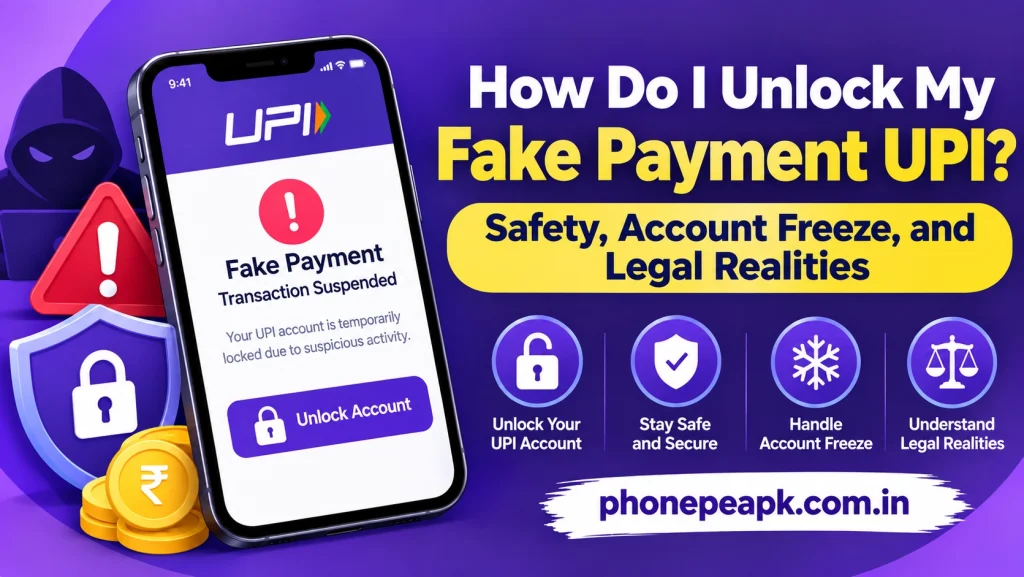
- Automated Fraud Detection Flags: Banks and UPI providers (such as Google Pay, PhonePe, or Paytm) use automated anomaly detection to flag accounts engaging in unverified app signatures, rapid micro-transactions, or mismatched verification logs.
- Cybercrime Reporting and Direct Freezes: Law enforcement agencies and National Cyber Crime Reporting portals frequently issue freeze orders on bank accounts reported for fraudulent transaction attempts or circulating counterfeit receipt tools.
- Violation of Terms of Service: Using modified or side-loaded APKs violates the user agreements of all authorized financial institutions, resulting in immediate account suspension to protect the broader financial network.
Can a Fake Payment UPI Account Be “Unlocked”?
It is a common misconception that a counterfeit payment application has its own internal account status that can be unlocked. In reality, fake payment apps do not possess real bank accounts, servers, or valid UPI credentials.
When people ask how to unlock their UPI after using such software, they are almost always dealing with a freeze placed on their real bank account or legitimate UPI ID by their bank’s fraud risk management department or law enforcement. You cannot “unlock” a fake application’s interface because the software itself is fraudulent. However, legitimate bank accounts frozen due to suspicious activity require formal compliance procedures to resolve.
Steps to Address a Frozen Bank Account or Blocked UPI
If your legitimate bank account or UPI handle has been restricted or frozen following investigations into fraudulent software or suspicious transactions, you must follow official banking channels:
- Contact Your Home Bank Branch: Visit or call your official bank’s customer support department to inquire about the exact reason for the account freeze and request the reference number or authority that ordered the restriction.
- Provide Documentation and Clarification: If your account was flagged erroneously or tied to third-party misuse, be prepared to submit official KYC documents, income proofs, and a written explanation of your transaction history to compliance officers.
- Cooperate with Cyber Cell Authorities: If the freeze was initiated by a cybercrime cell or law enforcement agency due to suspicious merchant transactions, you must visit the designated cyber police station, provide complete transaction logs, and cooperate with their investigation.
- Abandon Fraudulent Applications Immediately: Completely uninstall any unauthorized APK files, clear residual temporary files, and secure your device to prevent further risk of account termination.
Security Comparison: Legitimate UPI vs. Counterfeit Apps
To understand why banking networks aggressively lock accounts associated with unverified software, review the following operational differences:
| Operational Feature | Legitimate UPI Ecosystem | Counterfeit Payment Apps |
| Network Connectivity | Direct integration with National Payments Corporation of India (NPCI) | Isolated local scripting with zero banking connection |
| Account Security | Multi-factor authentication, encryption, and strict KYC | Zero security, prone to data harvesting and malware |
| Legal Standing | Fully authorized under financial regulations | Illegal tools designed for deception and fraud |
Conclusion
There is no method to unlock a “fake payment UPI” because counterfeit applications do not connect to real banking networks. If your legitimate bank account or UPI handle has been frozen or restricted due to association with fraudulent software, you must resolve the issue directly through your official bank’s compliance department or local cybercrime authorities. Discontinuing the use of unauthorized apps is the only way to protect your financial assets from permanent closure.