
Can a Fake PhonePe App for Android Be Used on iOS Devices?
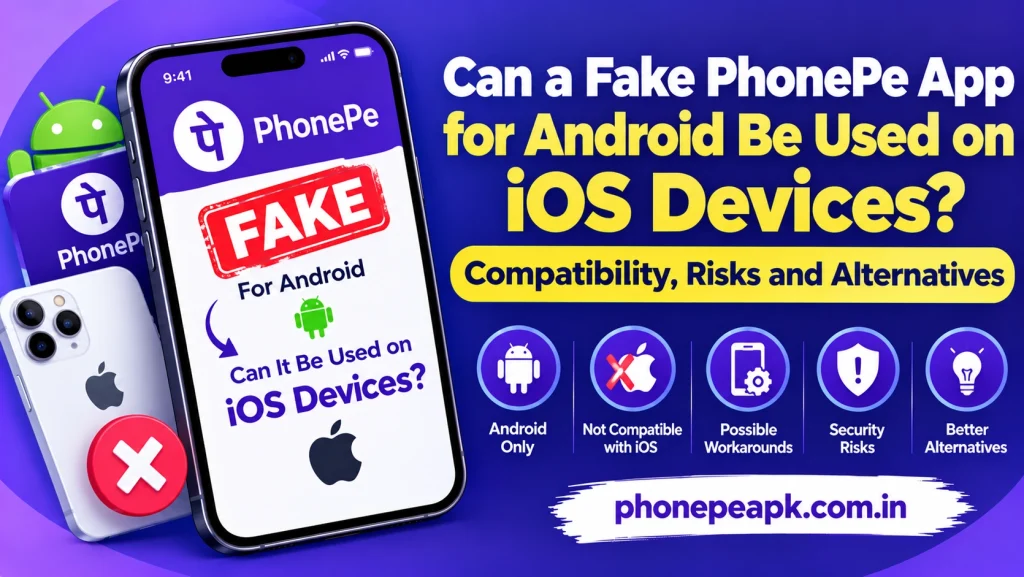
No, an Android “Fake PhonePe” application or modded payment generator APK cannot be installed or executed natively on an iOS device (iPhone or iPad). Android and iOS rely on completely incompatible operating systems, file formats, and execution environments.
Understanding the technical boundaries between mobile operating systems, as well as the security restrictions enforced by Apple, clarifies why cross-platform installation of unauthorized software fails.
Technical Reasons Why Android APKs Do Not Work on iOS
The architecture of Android’s operating system differs fundamentally from iOS, making direct file installation impossible:
- File Format Incompatibility: Android applications are packaged as
.apk(Android Package) files, whereas iOS applications use.ipa(iOS App Store Package) formats. iPhones possess zero native software engines capable of unpacking or running.apkcode. - Core Runtime Frameworks: Android applications are compiled to run inside the Android Runtime (ART) or Java Virtual Machine environment. iOS operates on Apple’s proprietary Darwin kernel and native Swift/Objective-C frameworks, which cannot interpret Android bytecode.
- Different System APIs: Payment simulation scripts depend on specific Android system APIs (such as local file directories, Android UI rendering engines, and system overlay permissions) that do not exist on iOS.
Security Obstacles on iOS (Apple’s Ecosystem Restrictions)
Even if a malicious developer attempted to recompile a counterfeit payment app for iOS, Apple’s strict security architecture prevents execution:
- Mandatory Code Signing: iOS requires every installed application to be cryptographically signed by an authorized Apple Developer Certificate. Unsigned or modified third-party binaries are blocked automatically by the iOS kernel.
- Absence of Direct Side-Loading: Android allows users to toggle “Install from Unknown Sources” to side-load arbitrary files. iOS strictly restricts app installation to the official Apple App Store, preventing unverified file downloads.
- Strict Application Sandboxing: iOS isolates every application within its own secure sandbox. Apps are barred from requesting dangerous system-wide privileges, such as screen overlay permissions or reading unassigned file directories, which counterfeit apps rely on.
Technical Comparison: Android APK vs. iOS IPA Execution
To illustrate why modified Android utilities cannot transition to Apple hardware, review the following architectural breakdown:
| System Parameter | Android Ecosystem | iOS Ecosystem |
| Package Extension | .apk | .ipa |
| Runtime Environment | Android Runtime (ART) | Native Cocoa Touch / Darwin Kernel |
| Side-Loading Ability | Allowed via “Unknown Sources” setting | Strictly blocked; requires App Store or Enterprise certificate |
| Code Signing | Flexible developer signatures | Mandatory Apple Developer Certificate |
Security and Legal Realities
While scammers sometimes advertise “Fake PhonePe for Andriod” on unverified Telegram channels or third-party web portals, these listings are almost always phishing scams, survey traps, or malicious links. Attempting to download third-party configuration profiles or altered web-based simulators on an iPhone exposes the device to credential harvesting, unwanted profile injections, and severe data privacy breaches.
Conclusion
An Android Fake PhonePe APK cannot run on iOS devices due to fundamental differences in file formats, system runtime environments, and Apple’s strict code-signing security model. Attempting to bypass these restrictions by downloading unauthorized profiles or web shortcuts exposes your iPhone to severe malware risks, phishing attempts, and privacy compromises.