
Downloading Fake Payment Apps on Android
While it is technically possible to find and download “Fake Phone App for Android” APK files from unverified third-party websites, Telegram channels, or file-sharing forums, doing so introduces critical security, financial, and legal risks.
Because Android allows users to toggle settings to “Install from Unknown Sources,” side-loading unauthorized files bypasses the built-in security vetting, sandboxing, and malware scanning enforced by the Google Play Store.
Technical Security Hazards of Side-Loading Counterfeit APKs
Downloading and installing unverified APK packages onto your Android device exposes your operating system to significant vulnerabilities:
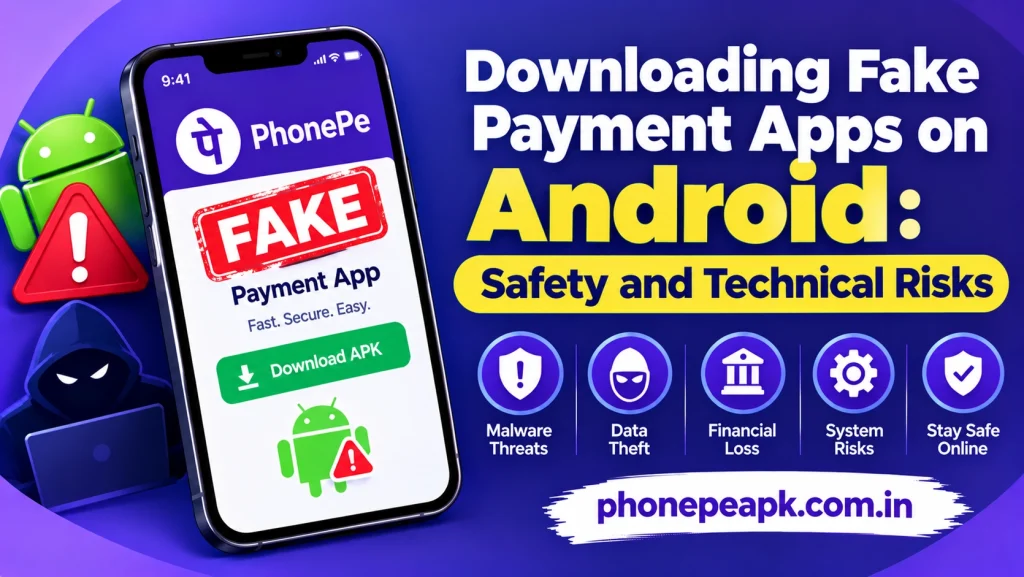
- Embedded Malware and Spyware: Modded APK files distributed through informal channels are frequently bundled with hidden Remote Access Trojans (RATs), keyloggers, and ad-injectors designed to monitor keystrokes and capture sensitive personal credentials.
- Intrusive System Permissions: Counterfeit payment generators routinely request high-level system permissions—such as screen overlay rights, accessibility service access, and full storage reading. These elevated privileges allow background scripts to view other active apps, intercept text messages, and read banking alerts.
- OTP Interception and Data Harvesting: Because these apps often request SMS read permissions, background processes can silently capture One-Time Passwords (OTPs) and verification codes, putting your legitimate digital wallets and email accounts at risk.
- Zero Security Updates: Unofficial apps do not receive security patches, bug fixes, or compatibility updates, leaving them highly prone to software instability, random crashes, and operational failures.
Legal and Financial Consequences
Beyond device security threats, downloading and possessing tools designed for financial deception carries severe legal liabilities:
- Association with Cybercrime: Apps specifically built to generate simulated payment receipts or fake success screens are classified as fraudulent tools under cybercrime regulations. Possessing or testing them can lead to formal law enforcement investigations.
- Immediate Bank Account Freezes: Financial intelligence units and banking fraud risk management systems actively flag accounts linked to suspicious software signatures or reported Fake Phone App for Android, leading to permanent account suspensions.
- Device Blacklisting: Mobile security applications and Google Play Protect actively flag known malicious APK signatures, quarantining the files and potentially restricting access to legitimate financial utilities.
Best Practices for Android Security
To protect your device and financial data from malicious software, follow these essential security habits:
- Stick Exclusively to Official Marketplaces: Only download banking, utility, and payment applications directly from the official Google Play Store.
- Keep Unknown Sources Disabled: Ensure that the “Install Unknown Apps” permission remains turned off in your Android security settings to prevent accidental side-loading.
- Run Regular Security Scans: Use Google Play Protect or a trusted mobile security scanner to audit installed applications and revoke unnecessary system permissions.
Conclusion
Can you download a Fake PhonePe app for Android? Technically yes, but doing so exposes your smartphone to severe malware infections, data harvesting, and significant legal penalties. Maintaining digital safety requires avoiding unauthorized APKs entirely and relying strictly on official software platforms.